How To Play SpeedQuizzing Live
May 8, 2020
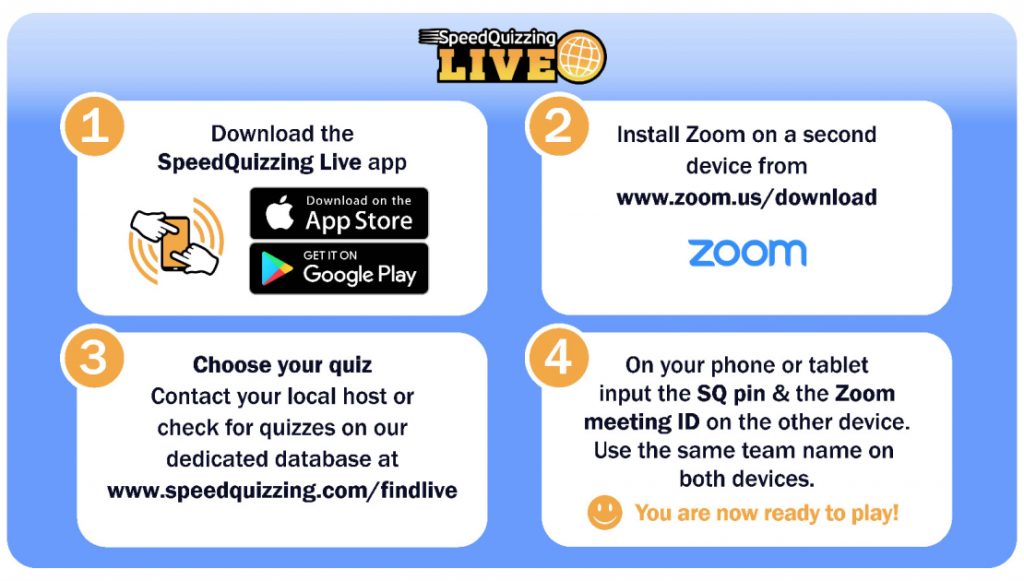
As you should be aware by now, SpeedQuizzing is now Live and online. In order to get yourself involved with a quiz, just follow these 4 simple steps:
- Download the SpeedQuizzing Live app (available on Amazon, Apple and Android devices from the app store)
- Install Zoom on a second device from www.zoom.us/download
- Choose your quiz – Contact your local host or check for quizzes on our database at www.speedquizzing.com/findlive
- On your phone or tablet input the SpeedQuizzing PIN and the Zoom Meeting ID on the other device. Use the same team name on both devices.
You are now ready to play.